Beginner Friendly
No advanced prior experience required. We start from the fundamentals and build up.
Get hands-on experience with industry-focused CAD and PCB design tools. Learn practical workflows, explore real-world design processes and build your own ideas.
 ALTIUM
This workshop introduces participants to practical CAD and PCB design workflows using SOLIDWORKS and ALTIUM. The focus is on understanding the tools, following real design processes and applying the concepts through hands-on activities.
Open to students interested in Mechanical Design, Electronics, ECE, EEE, Mechatronics and related fields.
No advanced prior experience required. We start from the fundamentals and build up.
Learn by actually creating designs — not just watching slides.
Understand practical engineering workflows used in real design work.
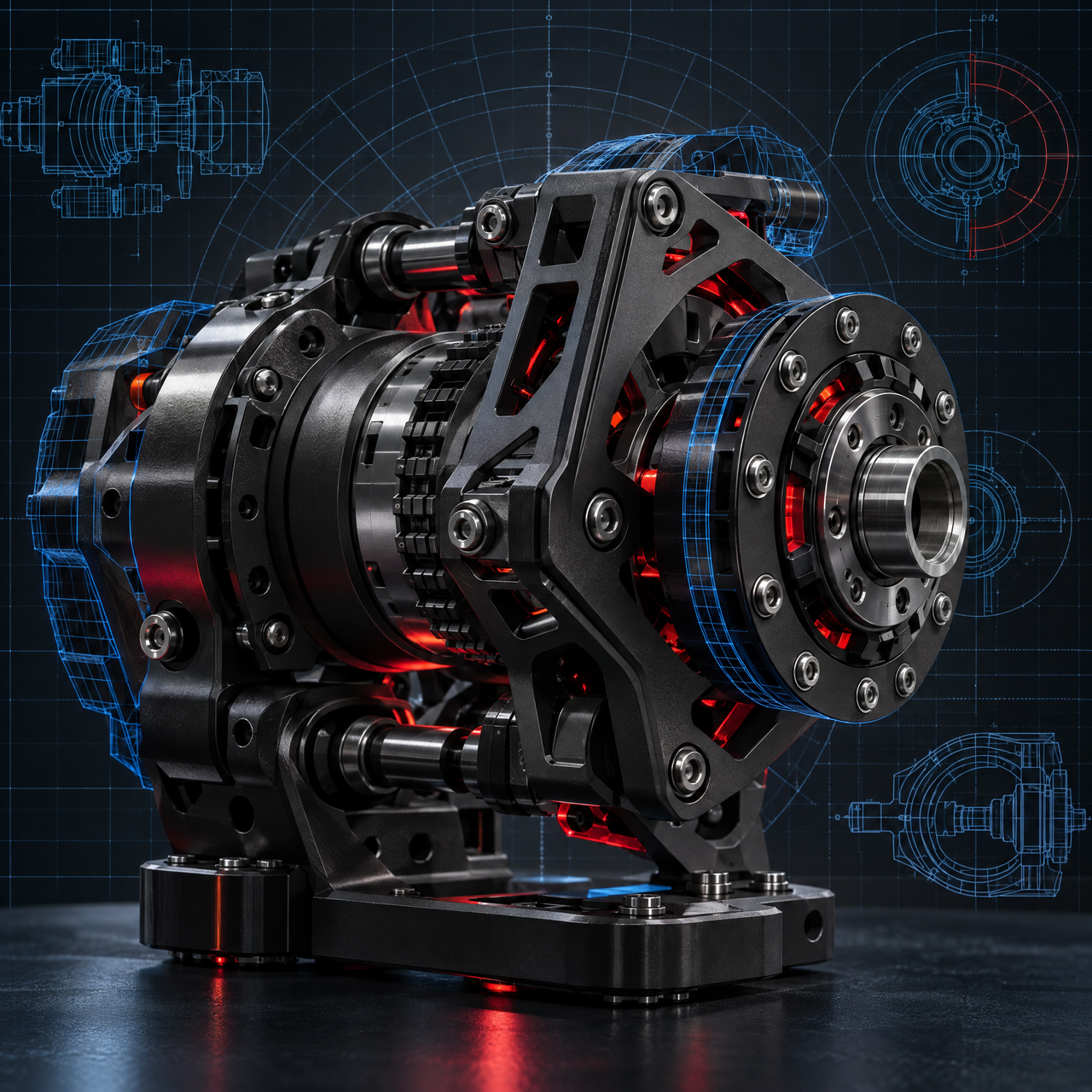
3D CAD • Mechanical Design
Participants will learn:
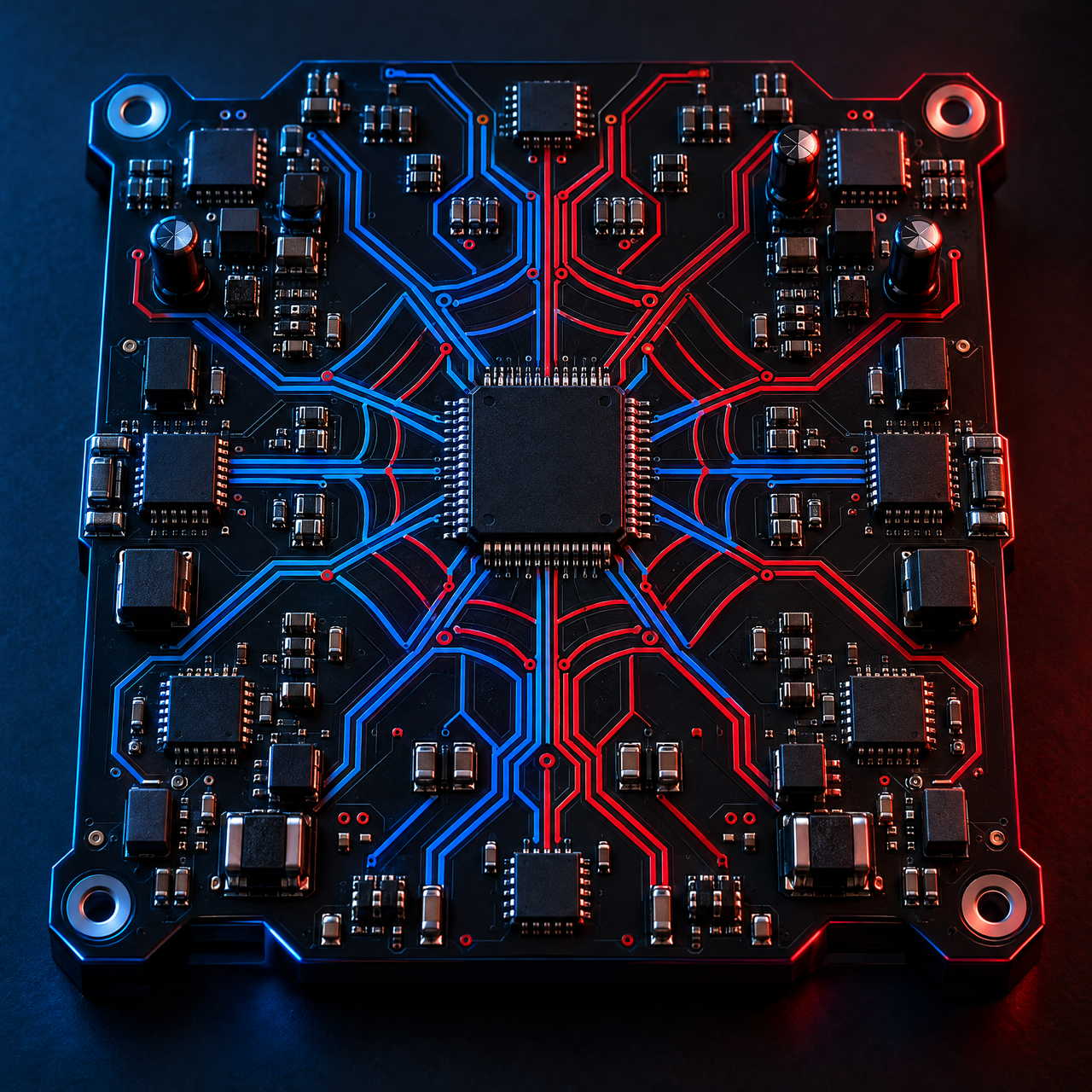
PCB Design • Electronics
Participants will learn:
Create and modify basic mechanical parts.
Understand how components come together in an assembly.
Understand technical drawings and dimensions.
Understand the fundamentals of electronic schematic design.
Learn the basics of component placement and routing.
Apply the concepts through a guided practical activity.
Day 1 — SOLIDWORKS — 3D CAD
Join the two-day SOLIDWORKS & ALTIUM workshop and explore practical CAD and PCB design workflows.
No advanced prior experience is required. The workshop is beginner friendly and starts from the fundamentals, building up to hands-on design work over the two days.
We recommend bringing a laptop so you can follow along with the hands-on sessions. Setup and software guidance will be provided at the start of each day.
On Day 1 you will model 3D parts, create assemblies and engineering drawings in SOLIDWORKS. On Day 2 you will design a schematic and lay out a PCB in ALTIUM, finishing with a practical mini project.
Yes. While mechanical and electronics students will find it especially relevant, the workflows are useful for anyone interested in product design, CAD or electronics.
Participants who attend both days and complete the hands-on activities will receive a workshop participation certificate.
The workshop runs on 26–27 September from 10:00 AM to 3:00 PM at SRM Campus, including a break for lunch each day.